Many online learners prefer having access to their courses even when they don’t have an internet connection. This is where Udeler often comes into the conversation. Designed to help users download their purchased Udemy courses for offline viewing, Udeler has gained attention for its convenience and ease of use.
However, one question frequently asked by potential users is, “Is Udeler free to use?” Understanding the cost, features, and limitations of this tool can help you decide whether it’s the right option for your learning needs. In this article, we’ll explore everything you need to know about Udeler.
Read More: What Is Udeler?
What Is Udeler?
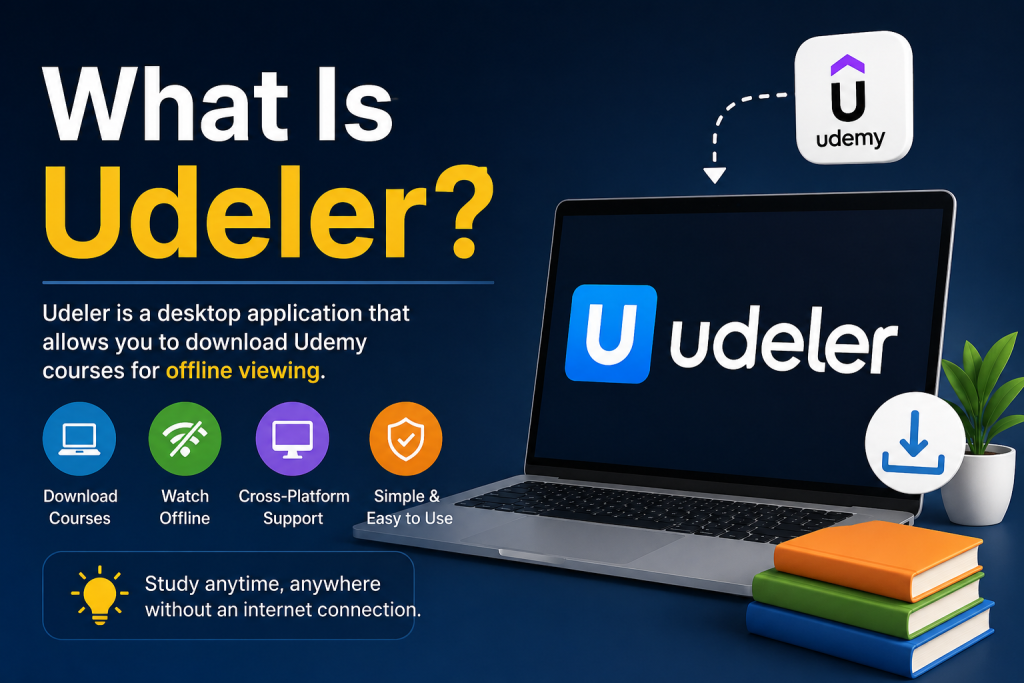
Udeler is an open-source desktop application designed to help users download courses they have legally purchased on Udemy. It allows learners to save course videos, lectures, and resources to their devices so they can access them without an internet connection.
The application is available for major operating systems, including Windows, macOS, and Linux. Because it is community-driven and open-source, users can review its code and contribute to its development.
Is Udeler Completely Free?
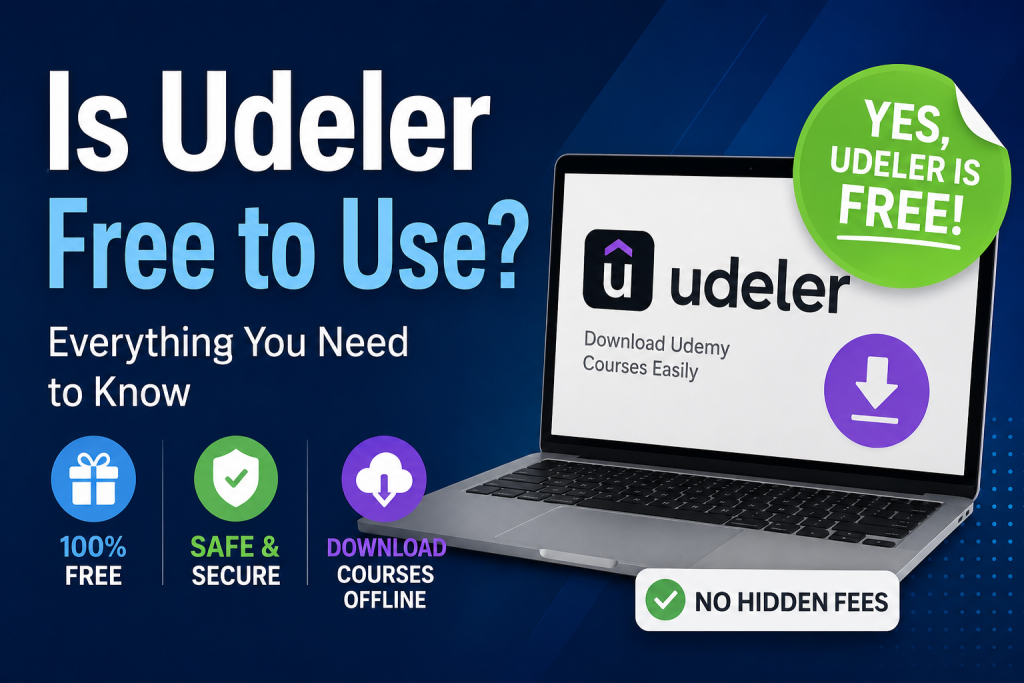
Yes, Udeler is free to use. You do not need to pay any subscription fees, purchase a license, or unlock premium features. The software can be downloaded and installed without any cost.
Since Udeler is an open-source project, its developers make the source code publicly available. This approach helps maintain transparency and allows the community to improve the software over time.
However, while the application itself is free, it is important to understand that Udemy courses are not free. You must own or have legitimate access to the courses you want to download.
How Does Udeler Work?
Udeler requires users to log in with their Udemy account credentials. After signing in, the application displays the courses associated with that account. Users can then choose which lectures they want to download for offline viewing.
The tool generally offers options such as selecting video quality, downloading subtitles, and organizing course content into folders. These features are included without additional charges.
Why Do People Use Udeler?
Many learners prefer studying offline for various reasons. Some may have limited internet access, while others travel frequently and cannot rely on a stable connection.
Using Udeler can provide several benefits:
- Access to course content without an active internet connection
- The ability to watch lectures while traveling
- Better control over downloaded learning materials
- Reduced buffering issues caused by slow internet speeds
These advantages make offline learning more convenient for many students and professionals.
Is Using Udeler Legal?
This is where things become more nuanced. Downloading content that you have purchased for personal educational use is generally different from distributing copyrighted material to others.
Users should always comply with Udemy’s terms of service and avoid sharing downloaded content publicly. Redistributing courses, uploading them to file-sharing websites, or using them for commercial purposes may violate copyright laws and platform policies.
Before using any third-party tool, it is wise to review the latest policies of the service involved.
Is Udeler Safe to Use?
Because Udeler is an open-source application, many users appreciate the transparency it offers. The publicly available code allows developers and security-conscious users to inspect how the software works.
That said, safety also depends on where you download the application from. Downloading software from unofficial or suspicious sources can expose your computer to unnecessary risks.
To improve security:
- Download the application from its official repository.
- Keep your antivirus software updated.
- Avoid modified versions distributed by unknown websites.
- Use strong passwords and enable security features on your online accounts.
Taking these precautions can help reduce potential security concerns.
Are There Any Limitations?
Although Udeler is free, it may occasionally experience compatibility issues if Udemy changes its platform structure or authentication methods. Since the project relies on community updates, fixes may not always be immediate.
In addition, the application is intended primarily for users who want offline access to content they already own. It is not a tool for bypassing payment systems or accessing restricted courses.
Should You Use Udeler?
If you have purchased Udemy courses and need a way to study offline, Udeler can be a practical option. Its free availability and straightforward interface make it appealing to many learners.
However, responsible use is essential. Always respect copyright rules, follow platform guidelines, and ensure that your use of the software aligns with applicable laws and policies in your region.
Conclusion
So, is Udeler free to use? Yes, it is. Udeler is a free and open-source application that allows users to download Udemy courses they have legitimately purchased for offline learning. There are no hidden fees or premium subscriptions required.
While the software offers convenience and flexibility, users should prioritize security and comply with Udemy’s terms of service. When used responsibly, Udeler can be a valuable tool for learners who want uninterrupted access to their educational content anytime and anywhere.