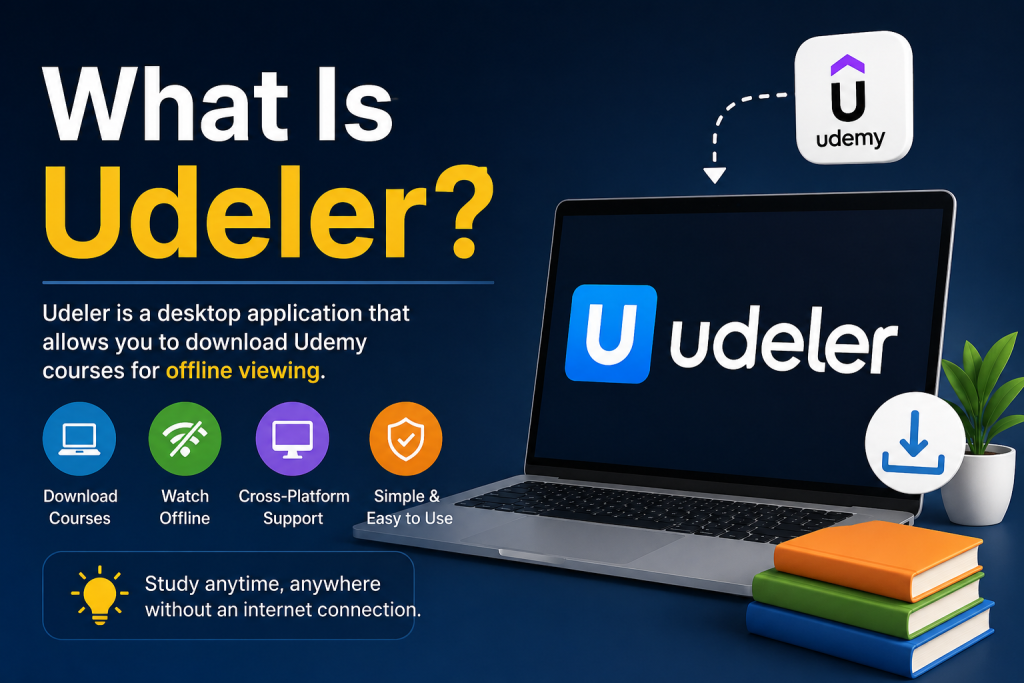
Udeler is a lightweight desktop application designed to help Udemy learners access their course videos offline. It works by connecting to your Udemy account and pulling your enrolled courses directly into the app. Once logged in, users can easily browse their courses, select individual lectures, or download complete playlists to their device.
The tool then saves the videos locally, allowing smooth offline viewing without buffering or internet interruptions. Udeler is especially useful for students and professionals who want flexible learning anywhere, anytime. Its simple interface and fast download process make it a popular choice for managing Udemy content more efficiently.
Read More: Is Udeler Free to Use?
What Is Udeler?
Udeler is an open-source desktop tool built specifically for Udemy learners. It connects with your Udemy account and allows you to download video lectures from the courses you’re enrolled in.
Unlike browser-based downloads or screen recording tools, Udeler works directly with Udemy’s course structure, making it more organized and easier to manage downloaded content.
It is commonly used by students, professionals, and self-learners who want offline access to their learning material.
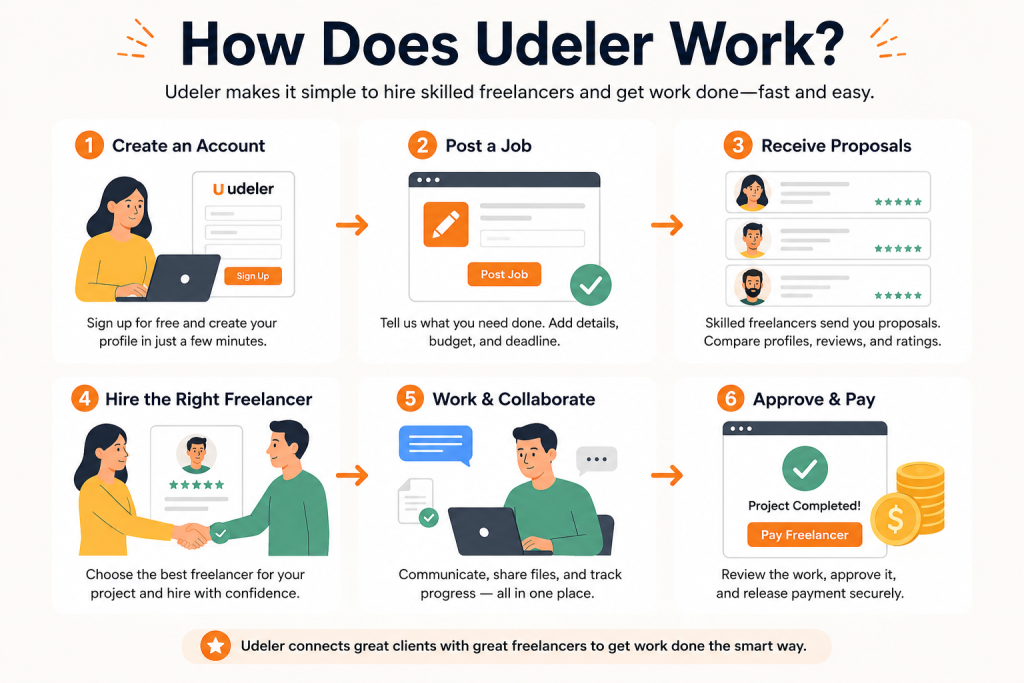
How Does Udeler Work?
Udeler works by connecting to your Udemy account through secure login authentication. Once connected, it reads your enrolled courses and displays them inside the app. From there, you can select any course and download its lectures.
Here’s a simple breakdown of how it functions:
Account Login Integration
When you open Udeler, it asks you to log in using your Udemy credentials. This step allows the app to access your enrolled courses. It does not typically store your data permanently; it just uses authentication to fetch course information.
Course Detection
After login, Udeler automatically fetches all the courses available in your account. It organizes them in a clean interface so you can easily browse through your learning library.
Lecture Selection
You can open any course and see its individual lectures. Udeler lets you choose specific videos or download the entire course in one click.
Download Process
Once you select a lecture or full course, Udeler connects to Udemy’s servers and downloads the video files to your local storage. The videos are saved in standard formats, usually MP4, making them playable on almost any device.
Offline Access
After downloading, you can watch your lectures anytime without internet access. This is especially useful for learners who travel frequently or have limited connectivity.
Key Features of Udeler
Udeler is popular because of its simplicity and focused design. It doesn’t overload users with unnecessary features. Instead, it focuses on doing one job well: downloading Udemy lectures.
Some of its main features include:
- Clean and easy-to-use interface
- Support for multiple courses
- Option to download full courses or individual lectures
- Offline playback support
- Cross-platform compatibility (Windows, macOS, Linux)
Why People Use Udeler
Many users prefer Udeler because it solves a real problem: internet dependency.
Online learning platforms like Udemy require a stable connection, which is not always available. Udeler helps bridge that gap by giving learners offline access.
It is especially useful for:
- Students with limited internet access
- Professionals learning during travel
- Users who want to rewatch lectures without buffering
- People who prefer organizing content locally on their devices
Is Udeler Safe to Use?
Udeler itself is generally safe as it is open-source software, meaning its code can be reviewed by the public. However, users should always be cautious and download it from trusted sources only.
It is also important to respect Udemy’s terms of service. Some courses may have restrictions on downloading content, so users should ensure they are not violating any rules while using such tools.
Pros and Cons of Udeler
Like any tool, Udeler has advantages and limitations.
Pros
- Easy offline access to courses
- Simple user interface
- Free and open-source
- Saves time and bandwidth
Cons
- Depends on Udemy account access
- May not support all course restrictions
- Requires installation on desktop
- No mobile version available
Conclusion
Udeler works as a bridge between online learning and offline convenience. By connecting to your Udemy account, it allows you to download and organize your courses in a simple way. This makes it a useful tool for learners who want flexibility and uninterrupted study access.
However, it should always be used responsibly, respecting platform rules and course policies. When used correctly, Udeler can significantly improve your learning experience by giving you full control over when and where you study.