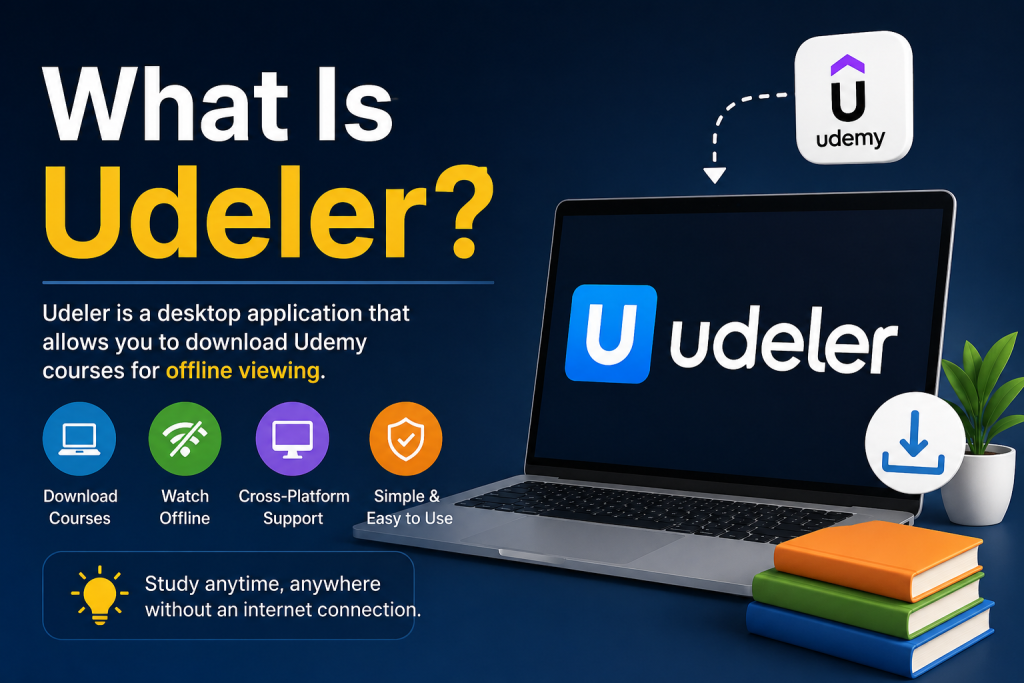

Installing Udeler is a simple process that allows users to download Udemy courses for offline learning on Windows, macOS, and Linux. Udeler is an open-source desktop application designed to make online education more flexible and accessible without requiring a constant internet connection.
Whether you are a student or a professional, setting up Udeler can help you organize and access your courses anytime, anywhere. In this guide, you will learn the step-by-step installation process for different operating systems, along with basic setup instructions. Even if you are a beginner, you can easily install and start using Udeler within a few minutes.
Read More: How Does Udeler Work?
What is Udeler?
Udeler is a desktop application that allows users to download Udemy courses for offline access. It is lightweight, easy to use, and designed for learners who want to study without relying on constant internet access.
Before installing, make sure you have:
- A Udemy account
- Stable internet connection
- Basic system permissions to install software
How to Install Udeler on Windows
Follow these steps to install Udeler on a Windows PC:
Step 1: Download Udeler
- Go to the official Udeler GitHub release page (search “Udeler GitHub releases” on Google).
- Download the latest Windows installer (.exe) file.
Step 2: Run the Installer
- Double-click the downloaded
.exefile. - If Windows shows a security prompt, click “Run Anyway”.
Step 3: Follow Setup Instructions
- Click Next
- Choose installation folder (or keep default)
- Click Install
Step 4: Launch Udeler
- After installation, open Udeler from the Start Menu or desktop shortcut.
How to Install Udeler on macOS
Step 1: Download Mac Version
- Visit the Udeler GitHub releases page
- Download the
.dmgfile for macOS
Step 2: Install the App
- Open the downloaded
.dmgfile - Drag Udeler into the Applications folder
Step 3: Open Udeler
- Go to Applications
- Right-click Udeler → Click Open
- Confirm security prompt if needed
How to Install Udeler on Linux
Step 1: Download AppImage
- Download the Linux AppImage file from the official release page
Step 2: Give Permission
Open terminal and run:
chmod +x Udeler.AppImageStep 3: Run the App
./Udeler.AppImageSetting Up Udeler After Installation
Once installed:
- Open Udeler
- Log in with your Udemy account
- Paste course URL
- Select video quality
- Start downloading
Common Installation Issues & Fixes
1. App not opening
- Try running as administrator (Windows)
- Reinstall latest version
2. Login problems
- Make sure Udemy credentials are correct
- Disable VPN if enabled
3. Download not starting
- Check internet connection
- Update Udeler to latest version
Is Udeler Safe to Use?
Udeler is open-source software, meaning its code is publicly available. However:
- Always download it from official GitHub releases
- Avoid third-party modified versions
- Use it responsibly and follow Udemy’s terms of service
Conclusion
Installing Udeler is a simple process on Windows, macOS, and Linux. Once set up, it provides a convenient way to access your Udemy courses offline. Just make sure you download it from a trusted source and keep it updated for the best performance.