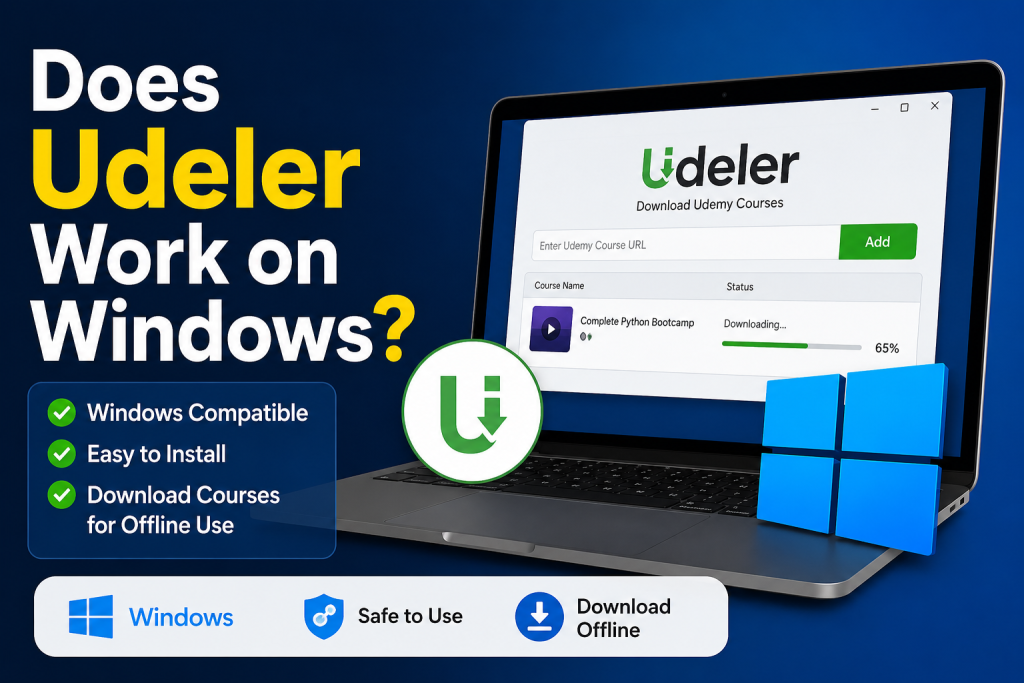
Udeler is a popular open-source desktop application designed to download Udemy course videos for offline viewing. Many learners prefer tools like Udeler because they allow flexible study without relying on a constant internet connection. However, one of the most common questions users ask is: Does Udeler work on Windows?
The short answer is yes—Udeler can run on Windows, but there are a few important details you should understand before installing or using it. In this article, we’ll explore how Udeler works on Windows, its compatibility, installation process, common issues, and whether it is still a good choice today.
Read More: Can I Download Udemy Courses with Udeler?
What is Udeler?
Udeler is an unofficial third-party application that was created to help Udemy students download course content directly to their computer. It is built using web technologies (Electron-based framework), which allows it to run on multiple operating systems including Windows, macOS, and Linux.
The main purpose of Udeler is simple:
- Download Udemy course videos
- Store lectures for offline learning
- Organize downloaded content locally
Unlike the official Udemy app, Udeler focuses primarily on desktop downloading and offline access.
However, since it is not officially supported by Udemy, users should always understand its limitations and potential risks.
Does Udeler Work on Windows?
Yes, Udeler does work on Windows systems. It is compatible with most modern versions of Windows, including:
- Windows 7 (some older versions)
- Windows 8 / 8.1
- Windows 10
- Windows 11
Since Udeler is built on Electron, it behaves like a standalone desktop application. Once installed correctly, it runs smoothly on Windows without requiring advanced technical setup.
However, compatibility can depend on:
- The version of Udeler you download
- Your Windows system updates
- Node.js or runtime dependencies (in some older builds)
In most cases, Windows 10 and Windows 11 users experience the best performance.
How Udeler Works on Windows
Udeler connects to your Udemy account through secure login authentication. Once logged in, it retrieves course data and allows you to download videos directly to your computer.
On Windows, the process generally works like this:
- You install the Udeler setup file (.exe)
- Launch the application
- Log in with your Udemy account
- Select a course you own
- Choose video quality and download location
- Start downloading lectures
After that, Udeler stores videos locally so you can watch them anytime, even without internet access.
How to Install Udeler on Windows
Installing Udeler on Windows is fairly straightforward, but since it is not available on the Microsoft Store, you need to download it from its official or trusted GitHub release page.
Step-by-Step Installation Process
First, download the Windows installer file (usually .exe) from the official Udeler release page.
Then follow these steps:
- Run the downloaded
.exefile - Allow permission if Windows Defender prompts a warning
- Follow the installation wizard instructions
- Complete the setup and launch Udeler
After installation:
- Open the app
- Log in with your Udemy account
- Start adding courses for download
If everything is installed correctly, Udeler should run without issues on Windows.
System Requirements for Windows
Udeler is lightweight, but your system still needs to meet some basic requirements for smooth performance.
Typical requirements include:
- Windows 7 or newer
- At least 2 GB RAM (4 GB recommended)
- Stable internet connection for downloads
- 200 MB free storage space for installation
Since Udeler downloads video content, storage space depends on the size of the courses you save.
Common Problems on Windows
Even though Udeler works on Windows, users sometimes face issues. Let’s look at the most common ones.
Installation Blocked by Windows Defender
Sometimes Windows Defender or antivirus software flags Udeler as an unknown application. This is common with open-source tools and does not always mean it is harmful.
Solution:
- Temporarily allow the application
- Add it to trusted apps list
Login Issues
Some users face problems logging into Udemy through Udeler.
Possible reasons:
- Outdated Udeler version
- Changes in Udemy’s security system
- Incorrect login credentials
Download Failures
Occasionally, downloads may stop or fail midway.
This can happen due to:
- Weak internet connection
- Server restrictions from Udemy
- Outdated software version
App Not Opening on Windows
If Udeler doesn’t start:
- Reinstall the application
- Run as administrator
- Check system compatibility
Is Udeler Still Working in 2026?
Udeler is still functional on Windows, but it is important to understand that:
- It is not officially maintained as actively as before
- Udemy frequently updates its platform security
- Some features may break over time
Because of this, users sometimes experience inconsistent performance. However, many people still successfully use Udeler for personal offline learning purposes.
Is Udeler Safe to Use on Windows?
Safety is one of the most important concerns.
Udeler is generally considered safe because:
- It is open-source
- It does not contain built-in malware (when downloaded from official sources)
- It only accesses your Udemy account for course data
However, there are some precautions:
- Always download from trusted sources
- Avoid modified or unofficial versions
- Use antivirus protection
Since it is not an official Udemy tool, there is always a small level of risk involved.
Alternatives to Udeler on Windows
If Udeler doesn’t work properly or you prefer safer options, you can consider alternatives:
Udemy Mobile App
The official Udemy app allows offline downloads legally.
Browser Offline Features
Some courses can be downloaded directly inside the Udemy platform.
Screen Recording Tools
Advanced users sometimes use screen recording software for personal backup (depending on legal restrictions in their region).
Each alternative has its own pros and cons depending on your needs.
Advantages of Using Udeler on Windows
Even with limitations, Udeler offers some benefits:
- Simple interface for downloading courses
- Offline learning without internet
- Lightweight and easy to use
- Works on older Windows systems
- Supports multiple courses at once
For students with limited internet access, these features can be very helpful.
Disadvantages of Udeler on Windows
There are also some drawbacks:
- Not officially supported by Udemy
- May stop working after platform updates
- Occasional login and download issues
- Security warnings from Windows Defender
- Limited updates and maintenance
Understanding these limitations helps you decide whether it’s the right tool for you.
Conclusion
Yes, Udeler does work on Windows, and it can be a useful tool for downloading Udemy courses for offline study. It runs on most modern Windows versions and is fairly easy to install and use.
However, it is not an official Udemy product, so users may occasionally face issues due to updates or compatibility changes. If you choose to use Udeler, it’s best to download it from trusted sources and keep your expectations realistic.
For casual offline learning, it still remains a helpful option in 2026—but for long-term stability, official Udemy features are usually more reliable.